












Understanding CAD Design for Engagement Rings: What to Check Before Approval?
Review the views, dimensions, and model together—before your design becomes a ring.
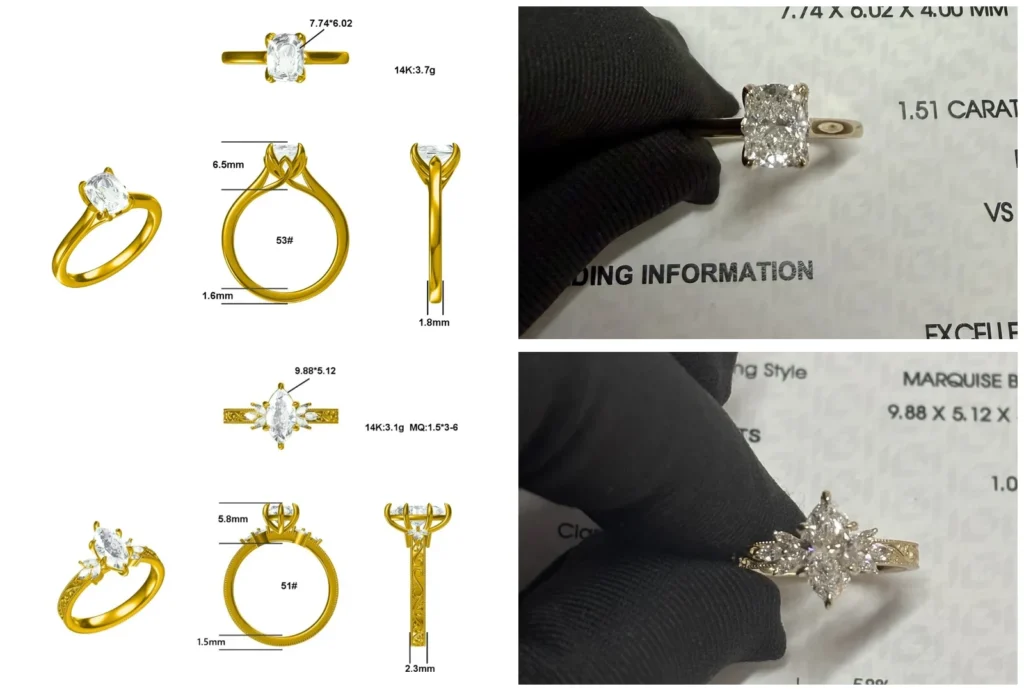
A CAD design shows the planned shape of your engagement ring, but it is no substitute for a written specification or a finished piece of jewelry. Therefore, be sure to check the top view, front view, and side view, as well as the dimensions in millimeters, the setting, the stone height, the band profile, and the clearance for a potential wedding band. Only once the current version has been clearly identified and any outstanding issues have been resolved should final production approval be granted.
What does a CAD design for an engagement ring show?
CAD stands for “Computer-Aided Design.” In this process, the ring is constructed as a three-dimensional digital model. In the CAD software, you can rotate and zoom in on it; the views generated show you the details. You can compare the views and examine the relationship between the stone, the setting, and the band from multiple angles. The Gemological Institute of America describes CAD as working with scale, proportions, and the relationships between the individual elements.
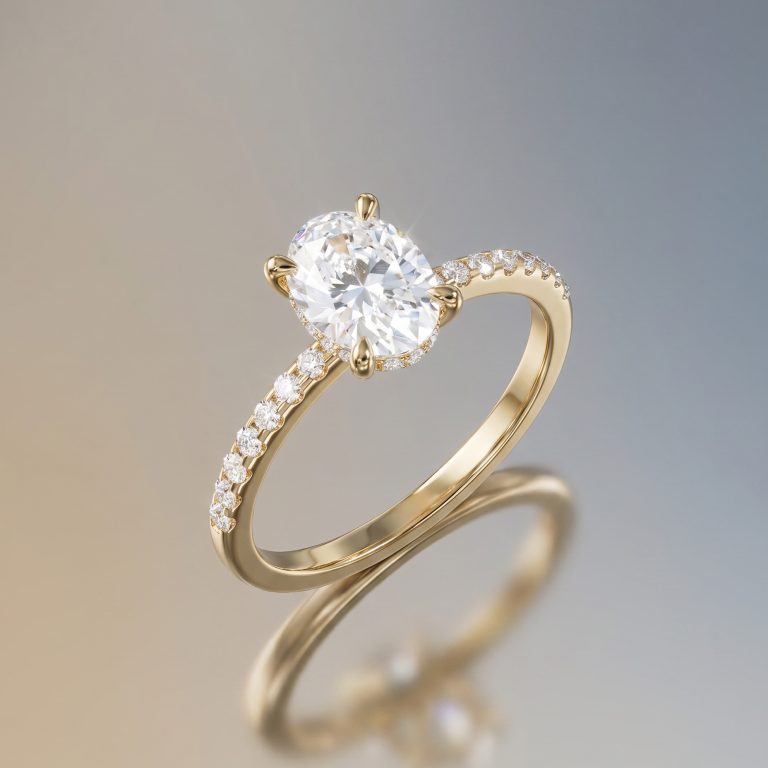
A render is an image of this model under specific virtual lighting conditions. It is intended to help you understand the shape and can look very realistic. However, when it comes to approval, what matters is the model behind the image: Which version are you looking at? What ring size is specified? What dimensions, materials, and details are documented in writing?
Think of two levels: The image shows the result, and the specifications describe what is to be manufactured. The two go hand in hand.
Ask for the file name, version number, or date on the shared file. This way, it will be clear what your approval was for.
What views and dimensions are included in the CAD approval?
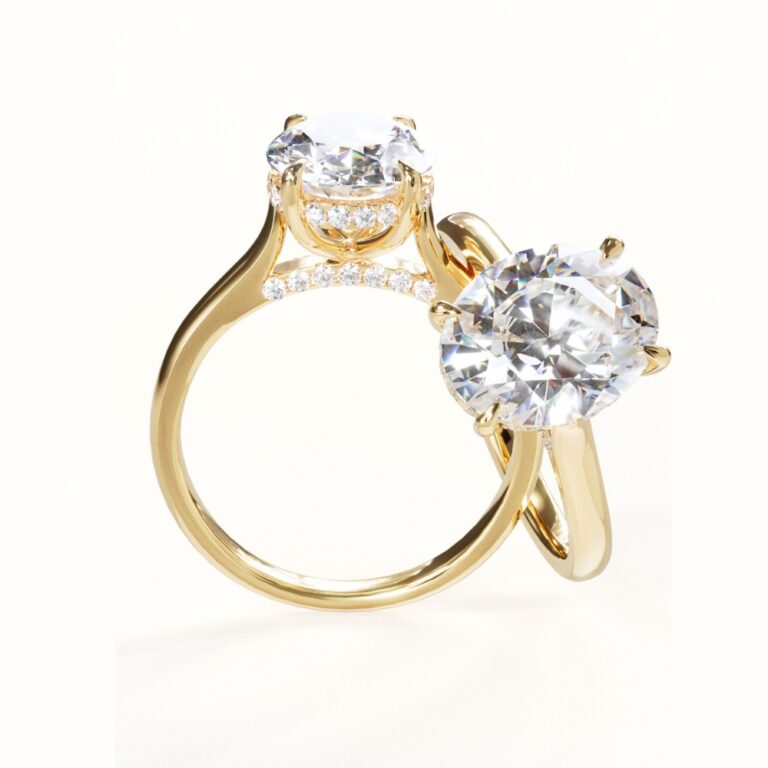
A single, flattering angle is rarely enough. Ask for a top view, a front view, a side view, and a 3/4-angle view. For a more elaborate design, it’s also helpful to see the underside, the gallery, and the transition to the ring shank. Each view answers a different question.
| View or specification | What you should check |
|---|---|
| Top View | Stone shape, orientation, visible proportions, and space for side stones |
| Front and Side Views | Setting height, prongs, bezel, underside, and profile of the ring |
| 3/4 view | Transitions, volume, and the effect when viewed from a normal angle |
| Dimensions | Ring size, stone length and width, depth, band width, band thickness, and setting height |
Consistency is key. Depending on the zoom level, a ring can appear huge or tiny on the screen; millimeters provide a common point of reference. Ask whether a number describes the outer contour, the stone, or just a part of the setting. “What width is intended here?” is more helpful than “That looks small.”
How do you check the frame, stone height, and ring rail profile?
The side view shows how high the center stone sits, how the setting holds it in place, and how the ring band fits into the setting. Examine the entire silhouette, not just the prongs.
The setting consists of the stone setting, the prong or bezel setting, the shank, and the underside. The planned height should be specified in millimeters. A low setting may interact differently with a wedding band than a high one. Whether it suits your everyday life depends on the specific design, the stone, and how you plan to wear it. It is not possible to determine a general minimum thickness based on this.
The ring shank profile also deserves a closer look. Is the inside rounded? Does the width change from the shoulder area to the bottom? Are there edges, an engraving, or a deliberate transition? The guide to the anatomy of an engagement ring explains the individual components; in the CAD design, you can see how these parts actually fit together in your model.
Question for the side view
“What height, width, and profile shape should be used here, and how does this transition feel in everyday use?”
Why are gemstone measurements more important than carats alone?
Carat refers to the weight of a gemstone, not its visible length and width. The GIA explains this in its statement on carat measurement: The stone’s dimensions are recorded separately, and two stones of the same weight may appear to be different sizes depending on their material and cut.
For CAD approval, you’ll therefore need the dimensions of the planned center stone—length, width, and, if relevant to the setting, depth. With an oval, marquise, cushion, or rectangular cut, these proportions alter the silhouette. A carat weight alone doesn’t tell you how much space the setting takes up when viewed from above.
Check whether the design is tailored to the specific stone that has been selected or uses a placeholder. If the stone type, dimensions, or orientation are still subject to change, this should be clearly stated before approval. The same applies to side stones and a halo: the number, size, and position should be included in the sketch or specification if they are part of the decision.
What about the gap between this and the wedding ring?
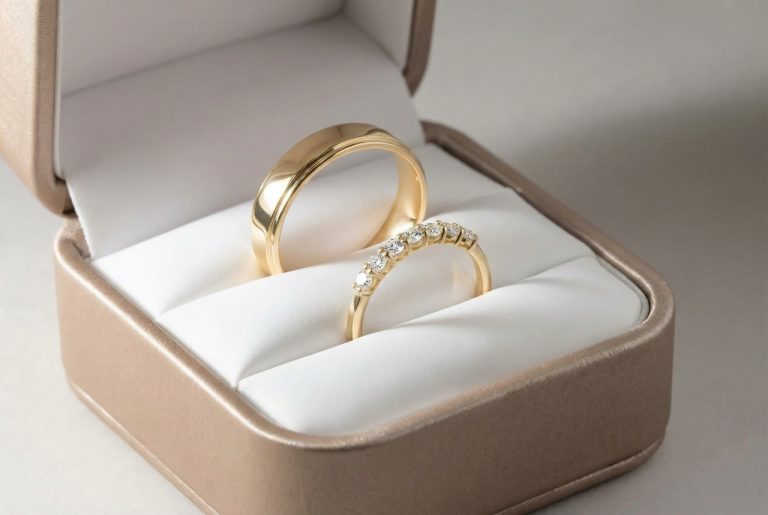
If you plan to wear the engagement ring later with a straight wedding band, be sure to include this intention in the CAD review. Check the side view to see where the setting, gallery, or a side stone might get in the way of the second ring. A visible gap can be a deliberate design choice, but it shouldn’t be something you only notice once the ring is finished.
Describe exactly what you want: Do you want a specific band? What width and profile should it have, roughly? Should there be space between the rings so that the shape of the engagement ring is preserved? Without making this decision, a CAD design may be technically correct according to your specifications but still not match your future set.
If you haven’t yet decided on a wedding ring, be sure to explicitly note this before giving your approval. Then you can decide together whether ensuring a proper fit for a specific wedding ring should be part of the order or whether you’d prefer not to commit to that just yet. For general guidance on the process of having a custom piece made, see the article “Having an Engagement Ring Custom-Made”; this section focuses on the design review.
What can renderings and a resin model really show?
A rendering conveys shape, arrangement, and color tone, but it does not reliably capture the sparkle of a specific stone, its weight, the feel of the metal, or every nuance of the polish. GIA distinguishes between digital renderings and physical prototypes. Whiteflash also explains why material is removed during the finishing process and why edges or prongs may look different afterward.
This does not contradict the CAD approval. The geometry should remain verifiable; light reflections and surface texture only emerge with real material, machining, and stone. Stuller describes synthetic resin models as physical prototypes for pre-production testing. They help with scale, proportion, and certain fit issues.
What a Synthetic Resin Fitting Can Do
Our custom service includes a synthetic resin try-on model based on your order and CAD design prior to final production approval. It allows you to check the shape, proportions, and fit on your finger. It does not show the sparkle, the weight, the final metal finish, or every detail of the finished setting. The model is intended for this purpose and is not meant to be worn as jewelry on a permanent basis. We will coordinate additional models with you personally as needed; we will also arrange the timing and shipping on a case-by-case basis.
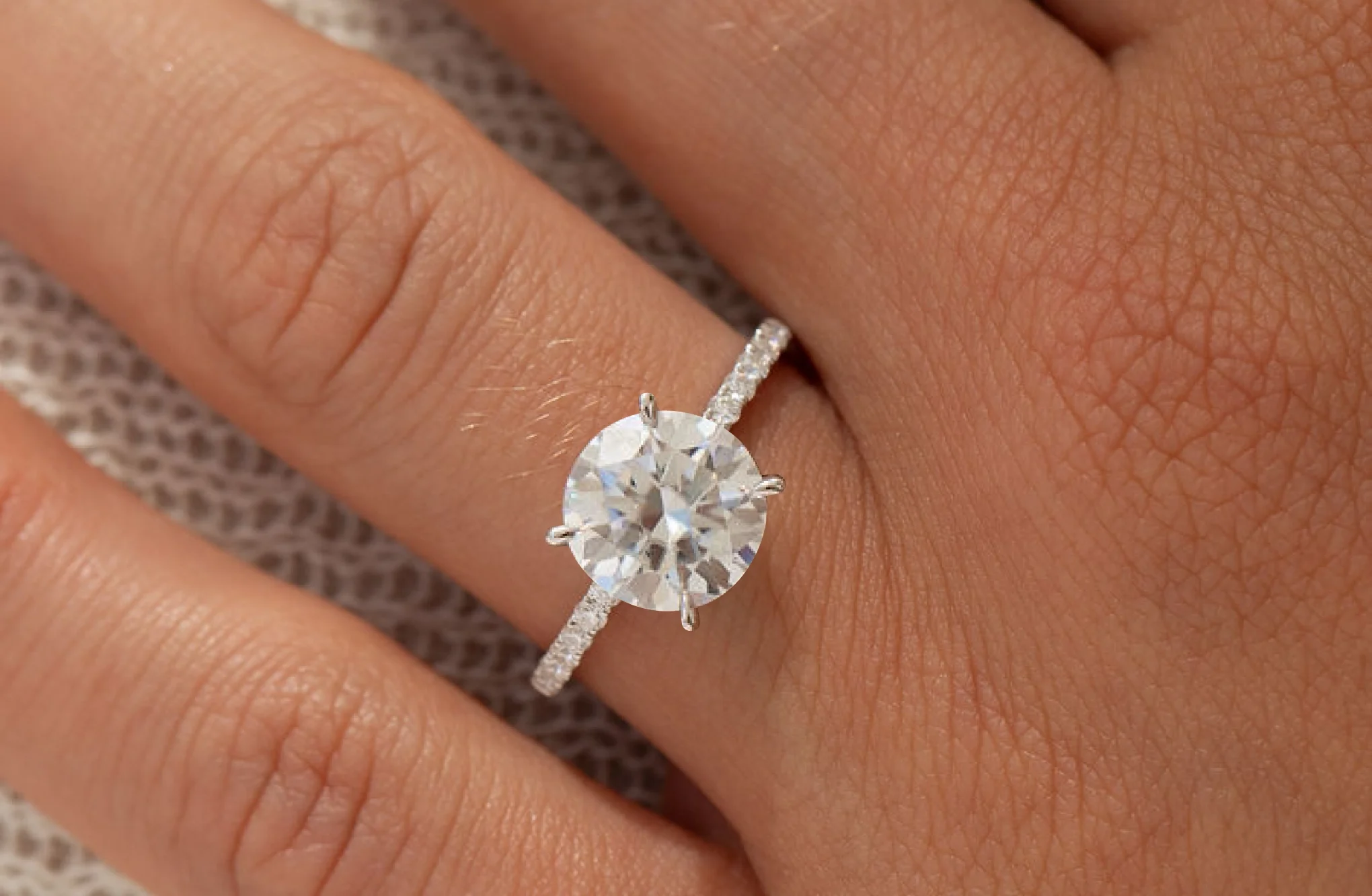
Look at the model from a normal viewing distance and from the side: Does it look right in relation to the finger? Is the height off? Does the ring size fit? Make a note of any requested changes before final approval.
What does a good written approval look like?
An approval doesn't have to be a long message. It should specify the version and the points you've reviewed. Reply with the current CAD file or PDF in the same message so that the image, dimensions, and decision stay together.
- Version: Filename, version number, or date of the draft.
- Basic information: Ring size, metal color, and alloy, if already determined.
- Stone: Shape, orientation, specific dimensions, and whether a specific stone or a placeholder is shown.
- Setting: Setting type, prong or bezel, gallery, and intended stone height.
- Ring body: Band width, band thickness, inner profile, edges, and desired surface finish.
- Interplay: desired distance or contact with a future wedding ring.
- Outstanding issues: anything that still needs to be confirmed, adjusted, or coordinated in person.
A neutral way to phrase this might be: “We are approving the CAD version [name] with the confirmed dimensions, materials, and manufacturing details. All our outstanding questions have been resolved. Please let us know in advance if any technical adjustments will alter the design.” This way, your decision is documented without equating the rendering with the finished piece of jewelry.
If you're still on the fence, "Request a Revision" is a definitive decision. In the Custom Ring Guide, you'll see how you can refine your preferences step by step. If you have your own idea, you can then submit a Dream Ring request.
Frequently Asked Questions About CAD Design
When will I receive the CAD design and the fitting model?
With the Velur Custom Service, you’ll see the CAD design before final production approval. A synthetic resin fitting model is included with your order based on the CAD design; you’ll review it before final production approval. Additional models are available upon request. Steps, deadlines, and shipping will be coordinated with you personally.
What is the minimum number of views I should get?
At a minimum, include a top view, front view, and side view. A three-quarter view, as well as a gallery view or bottom view, help illustrate transitions, volume, and the overall design. The key dimensions should be specified in millimeters.
Is a CAD rendering a photo of the finished ring?
No. It is a digital image of a 3D model. It conveys shape and proportion, but does not automatically confirm the stone's sparkle, weight, future polish, or the quality of the finished craftsmanship.
What am I checking with the synthetic resin try-in model?
You should check the shape, scale, proportions, ring size, and how it fits. Synthetic resin does not replicate the way a real stone catches the light, nor does it have the same weight, metal finish, or final details. The model is intended for try-on purposes only and is not meant to be worn permanently.
Can I still make changes after the CAD approval?
Requests for changes must be submitted before the final written production approval. After that, any new requests should be discussed directly, as they may affect the design, price, or process. A new approval documents the current status.
If you have an idea for an engagement ring, you can submit references and any questions you may have via the "Dream Ring" inquiry form. You can find a helpful overview of fitting information here.